Introduction
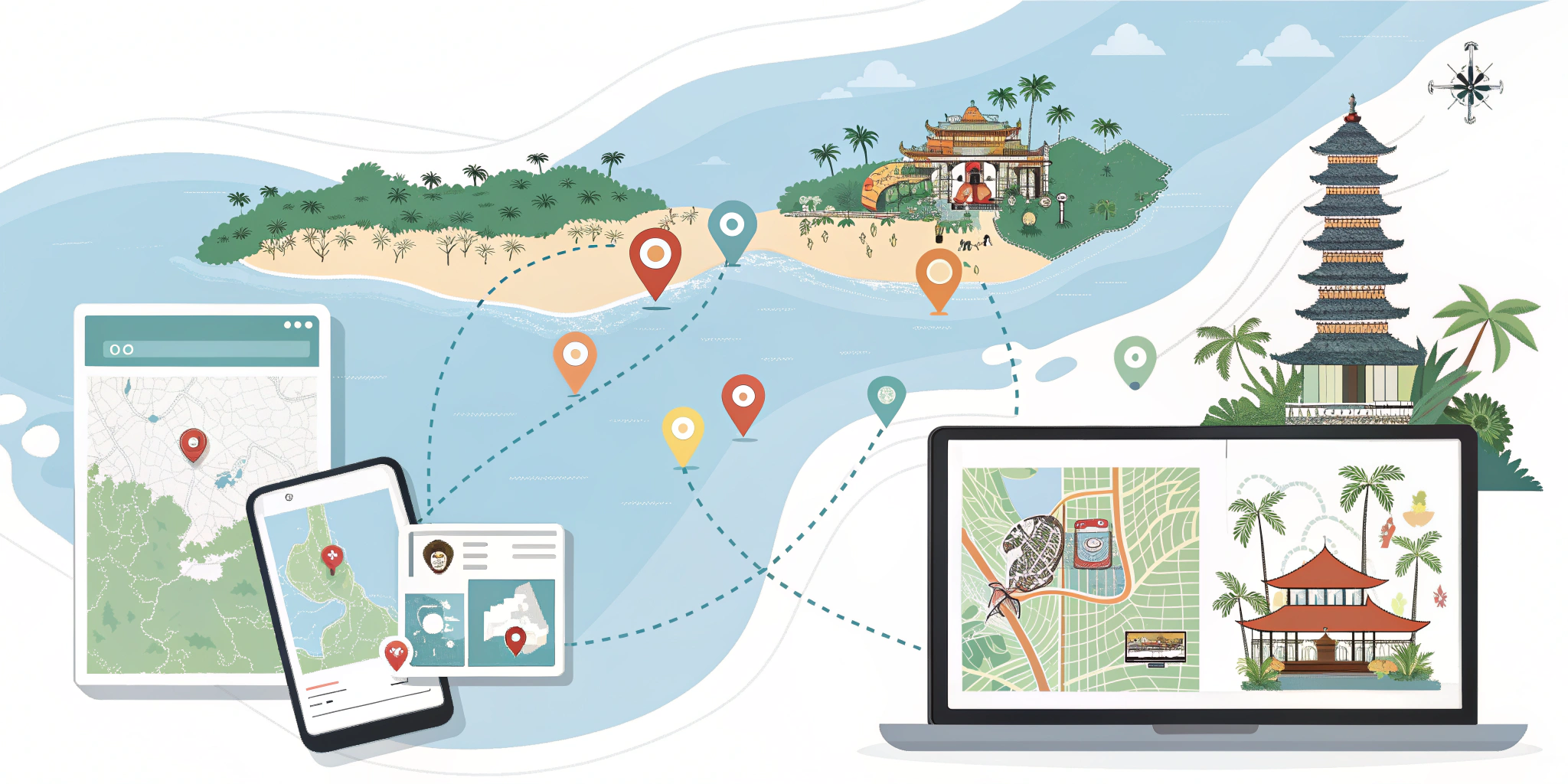
When traveling to a foreign destination like Bali, getting around can be one of the biggest challenges. But with Google Maps, navigating Bali’s streets, finding attractions, and discovering hidden gems has never been easier. Whether you’re traveling to Ubud for cultural exploration or heading to Uluwatu for beach time, Google Maps can help you plan your routes, locate important destinations, and find the best local spots— all from the comfort of your phone.
In this guide, we’ll show you how to make the most of Google Maps for planning your Bali itinerary, navigating the island, and getting the most out of your travel experience.
1. Using Google Maps to Create Your Bali Itinerary
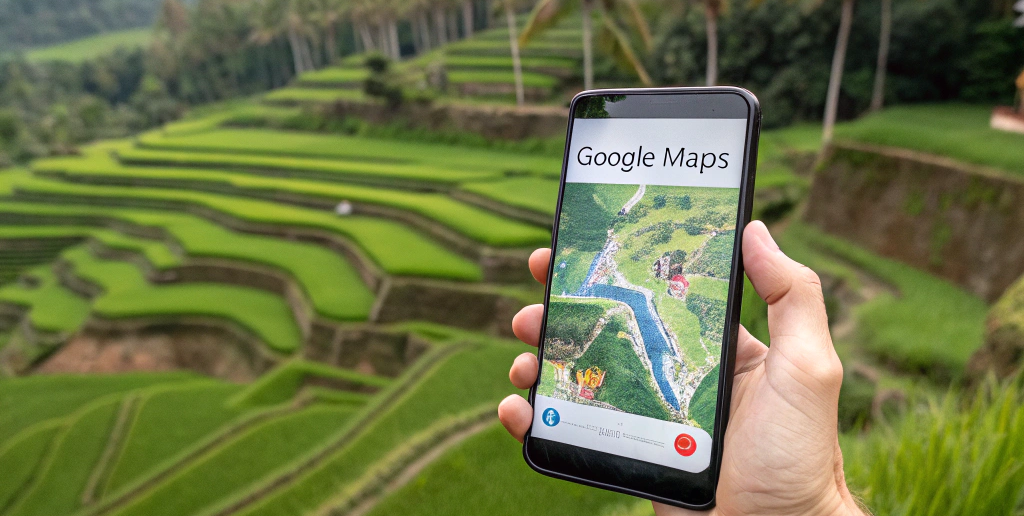
Creating a well-organized itinerary is crucial to making the most of your time in Bali. Google Maps allows you to save places and organize them in your lists, helping you plan your trip efficiently.
How to Create a Travel Itinerary with Google Maps:
Step 1: Open Google Maps and search for destinations like temples, beaches, or restaurants.
Step 2: Once you’ve found a place you want to visit, click on it and select “Save”. You can save places to “Favorites” or create custom lists such as “Bali Itinerary”.
Step 3: You can now easily access your saved places in the “Saved” section on Google Maps, helping you plan your day-by-day itinerary.
This feature makes it simple to organize your must-see spots, ensuring you don’t miss out on any of Bali’s amazing destinations.
2. Navigating Bali’s Roads and Streets with Google Maps
Bali’s roads can sometimes be a bit confusing, with narrow lanes, heavy traffic, and limited signs in some areas. Google Maps is your best friend when it comes to navigation. Whether you’re driving, walking, or using a ride-hailing service like Grab, Google Maps provides accurate, real-time directions.
Navigation Tips:
Drive with Confidence: Bali’s roads can be challenging, especially in more rural areas. Google Maps offers turn-by-turn directions, live traffic updates, and route options, making it easier to avoid traffic jams and find shortcuts.
Walking Directions: If you’re on foot exploring a neighborhood like Seminyak or Ubud, Google Maps will guide you step-by-step to your destination. Simply select “Walking” mode for the best routes.
Ride-Hailing Apps: Google Maps integrates with Grab and Gojek, so you can quickly book a ride directly through the app and get directions to your destination.
3. Discovering Hidden Gems in Bali with Google Maps
One of the best features of Google Maps is its ability to help you discover hidden gems in Bali, whether it’s a quiet beach, a local cafe, or a secret waterfall. With a little help from Google’s reviews and photos, you can uncover some of Bali’s most off-the-beaten-path attractions.
How to Find Hidden Gems:
Explore the “Explore” Tab: Google Maps shows you nearby attractions and restaurants, including user reviews, photos, and even estimated wait times. Look for spots with fewer tourists but plenty of local charm.
Check Reviews and Photos: Always browse user reviews and photos to get a better sense of the experience before visiting, especially for lesser-known attractions or local spots.
Use “Popular Times”: Google Maps also lets you check “Popular Times” for restaurants and attractions, helping you avoid crowds and find the best time to visit.
4. Finding Bali’s Best Restaurants with Google Maps
Bali is home to a vibrant food scene, ranging from local warungs (family-owned restaurants) to high-end dining experiences. Google Maps helps you find the best spots based on user ratings, price range, and type of cuisine.
How to Find Great Food in Bali:
Search for “restaurants” or “cafes” in your area on Google Maps. You’ll be shown a list of the best-rated places nearby.
Filter by Type: You can filter your search by cuisine, such as Indonesian, vegan, or seafood, to find exactly what you’re craving.
User Reviews and Ratings: Google Reviews offer a wealth of user feedback, letting you see photos, menus, and experiences before you decide where to eat.
5. Using Google Maps Offline in Bali
In some remote areas of Bali, you may encounter poor cellular service or Wi-Fi. The good news is that Google Maps allows you to download offline maps, so you can still navigate the island without a constant internet connection.
How to Use Google Maps Offline:
Step 1: Before heading out, search for your destination in Google Maps and tap the place’s name.
Step 2: Scroll down and select “Download” to save the map for offline use. You can save an area as large as your whole itinerary or just the specific area you’ll be visiting.
Step 3: Once offline, you can continue to navigate and get directions even without internet access.
6. Using Google Maps for Bali’s Public Transportation
While public transportation in Bali is limited, you can still use Google Maps to find bus routes, ferry schedules, and routes for other transportation options like shuttle services.
Public Transport Tips:
Bus Routes: You can use Google Maps to find the nearest public buses and their routes, which are especially helpful for getting between major areas like Denpasar and Ubud.
Ferries to Nearby Islands: If you plan to visit nearby islands like Nusa Penida or Gili Islands, Google Maps provides ferry routes and schedules to help plan your journey.
Table: How to Use Google Maps for Bali Travel Planning
Feature |
Purpose |
How It Helps |
| Itinerary Creation | Organize your trip and save favorite places | Plan your day-by-day activities easily |
| Navigation | Directions for driving, walking, or using ride-hailing | Get real-time, accurate directions to your destinations |
| Discover Hidden Gems | Find off-the-beaten-path attractions | Explore local spots with reviews and photos |
| Restaurant Search | Find the best dining spots with reviews | Discover great food options at affordable prices |
| Offline Maps | Download maps for offline use | Navigate without an internet connection |
| Public Transport Info | Access bus and ferry routes | Plan public transport for getting around Bali |
YouTube Video: How to Use Google Maps for Travel Planning in Bali
Watch this YouTube video to learn how to use Google Maps effectively during your Bali trip and make the most of the app’s features:
Google Maps Travel Tips for Bali – YouTube
Common Mistakes When Using Google Maps in Bali + Fixes
Mistake #1: Relying on Google Maps Without Internet
In Bali’s more rural areas, Google Maps may not always be accurate without a good data connection.
Fix: Always download offline maps of the areas you plan to visit to avoid losing access to maps when there’s no signal.
Mistake #2: Not Checking for Traffic Conditions
Google Maps can suggest routes, but Bali’s traffic can be unpredictable, especially during peak hours.
Fix: Use real-time traffic updates in Google Maps to avoid congestion and check “Popular Times” to avoid crowds.
Information Gain Section
While Google Maps is incredibly useful for navigation, Bali’s local maps can sometimes be more accurate for rural areas, including detailed roads in places like Ubud and Sidemen. Local maps can help identify smaller roads, hidden destinations, and lesser-known attractions not listed on Google Maps.
Myth vs Reality: Google Maps in Bali
Myth: Google Maps can always navigate Bali perfectly.
Reality: While Google Maps is generally reliable, Bali’s rural roads can be tricky to navigate, and in some cases, you may need to use offline maps or check local guides.
FAQ Section
Can I use Google Maps in Bali without internet?
Yes! You can download offline maps of specific areas in Bali for use when you don’t have a data connection.
Is Google Maps accurate in Bali?
Google Maps is generally accurate in urban areas, but rural roads may sometimes be less precise. Always check local resources when in doubt.
How can I find the best restaurants in Bali with Google Maps?
Use the search function to look for restaurants, filter by ratings and cuisine, and browse user reviews and photos.
Does Google Maps show the best tourist spots in Bali?
Yes, Google Maps provides a list of top-rated attractions, and you can also find hidden gems by looking at user reviews and photos.
Can I use Google Maps to book transportation in Bali?
Google Maps integrates with ride-hailing apps like Grab and Gojek, making it easy to book a ride directly from the app.
Conclusion
Google Maps is an invaluable tool for travel planning in Bali, helping you navigate the island with ease, discover new attractions, and plan your perfect itinerary. Whether you’re driving, walking, or using ride-hailing apps, Google Maps makes it easier than ever to explore Bali’s beauty and culture. Make sure to take advantage of its features, including offline maps, real-time traffic updates, and local recommendations, to ensure a smooth and enjoyable trip.
Internal Linking Plan
Link to “Best Tools for Planning Your Bali Vacation in 2025”
Link to “Top Budget Travel Tips for Bali”